
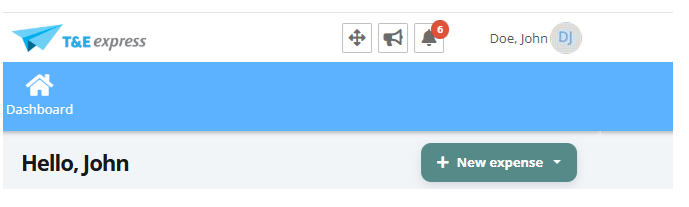
This happens when your user doesn’t have a profile assigned yet. Your profile defines what you can do in T&E Express, such as requesting cash advances, reporting expenses or approving. Without a profile, the system only shows the Dashboard option and the menu bar stays empty.
As shown in the following image:
Contact your company’s T&E Express administrator. Ask them to assign you the profile that matches your tasks.
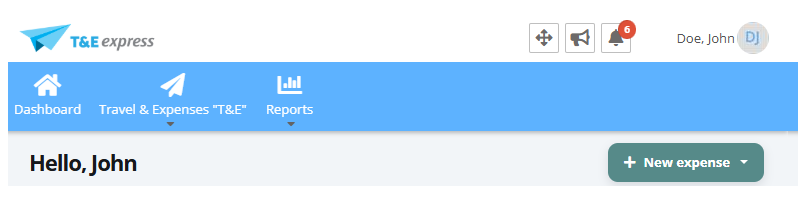
Log in again. Once your profile is assigned, log out and log back in: you’ll see the menus enabled for your profile.
Important: profiles are always managed by your company. Any questions about your profile or access must be handled with your company’s T&E Express administrator.
Who should I contact?
Don’t know who your company’s T&E Express administrator is? Check with your company’s Finance or IT Support team.