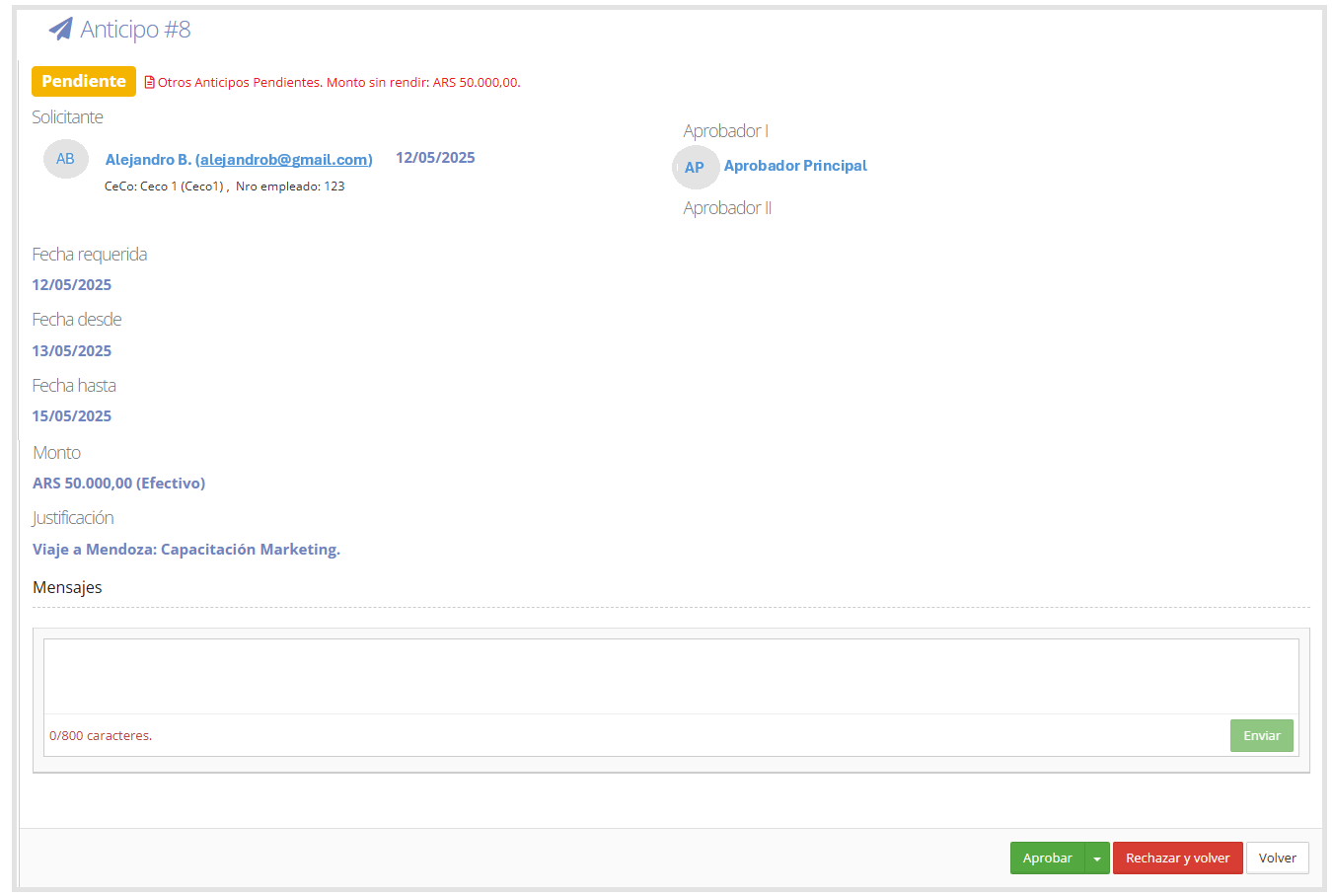
This section allows users with an approver role to approve or reject cash advance requests, verifying the loaded information, requested amounts, and their justifications.
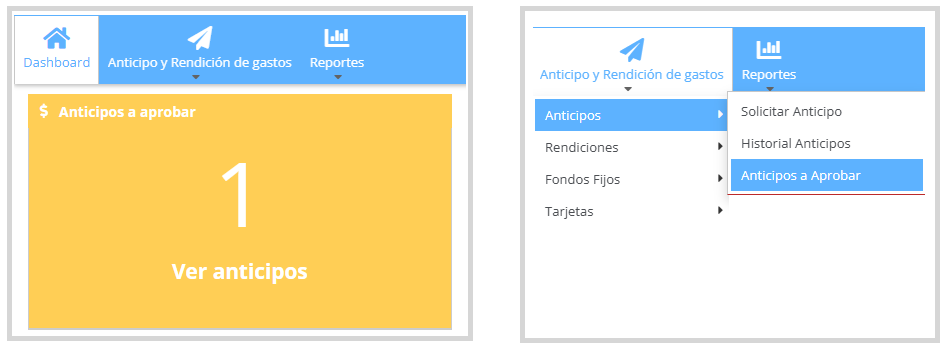
Cash Advance Approval: To access cash advances pending approval, you can go to the Cash Advances to Approve panel on the dashboard, or from the menu Cash Advance and Expense Report > Cash Advances > Cash Advances to Approve.
As shown in the image below:
Cash advances pending approval appear as a list. If the user has other pending cash advances, the system will display a message in red or an alert from the icon in the bottom right corner.
As shown in the image below:
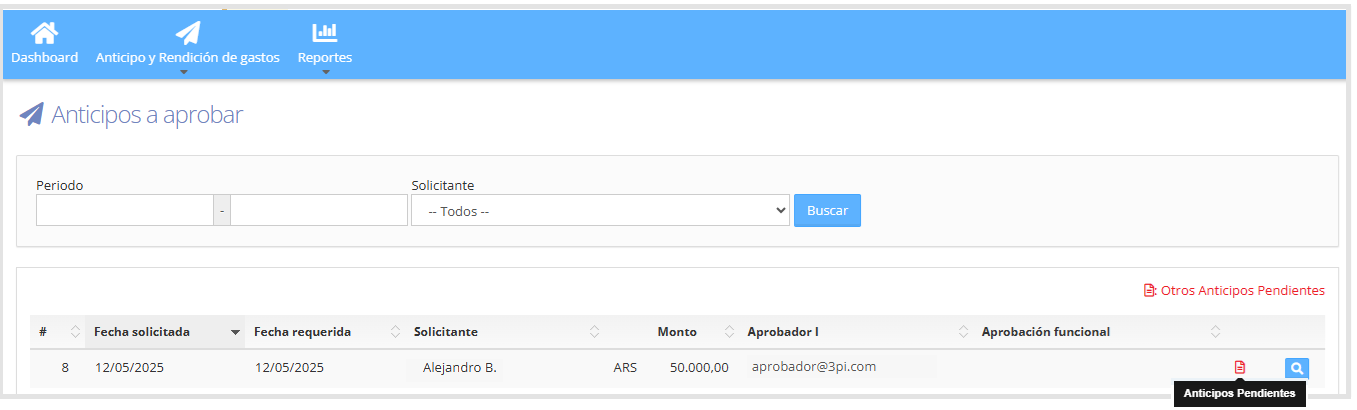
To view the cash advance details, click on the icon.

From here you can add a message, approve or reject the cash advance. If rejected, the reason must be justified.
As shown in the image below: