
To change your password, go to Settings > Change Password. Enter your current password, the new password, and re-enter the new password. The password must be at least 8 characters long and must be alphanumeric.
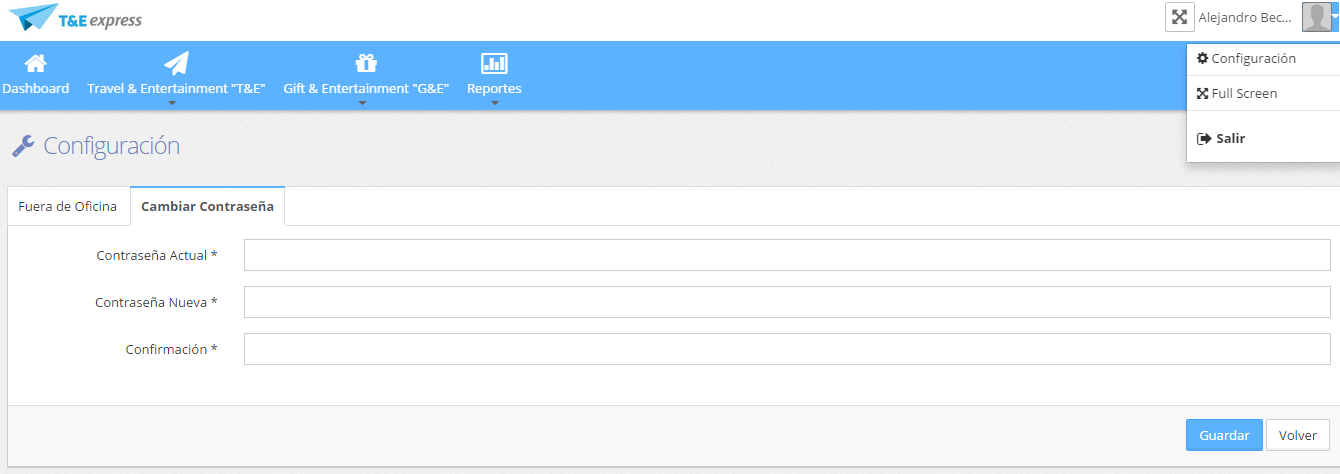
To change your password, go to Settings > Change Password. Enter your current password, the new password, and re-enter the new password. The password must be at least 8 characters long and must be alphanumeric.